Step 1: Upload once
Create one managed link that becomes your distribution anchor.
If sharing is “send and forget,” leakage risk grows over time. A controlled link keeps post-share levers in your hands: who can enter, until when, and how many opens are allowed.
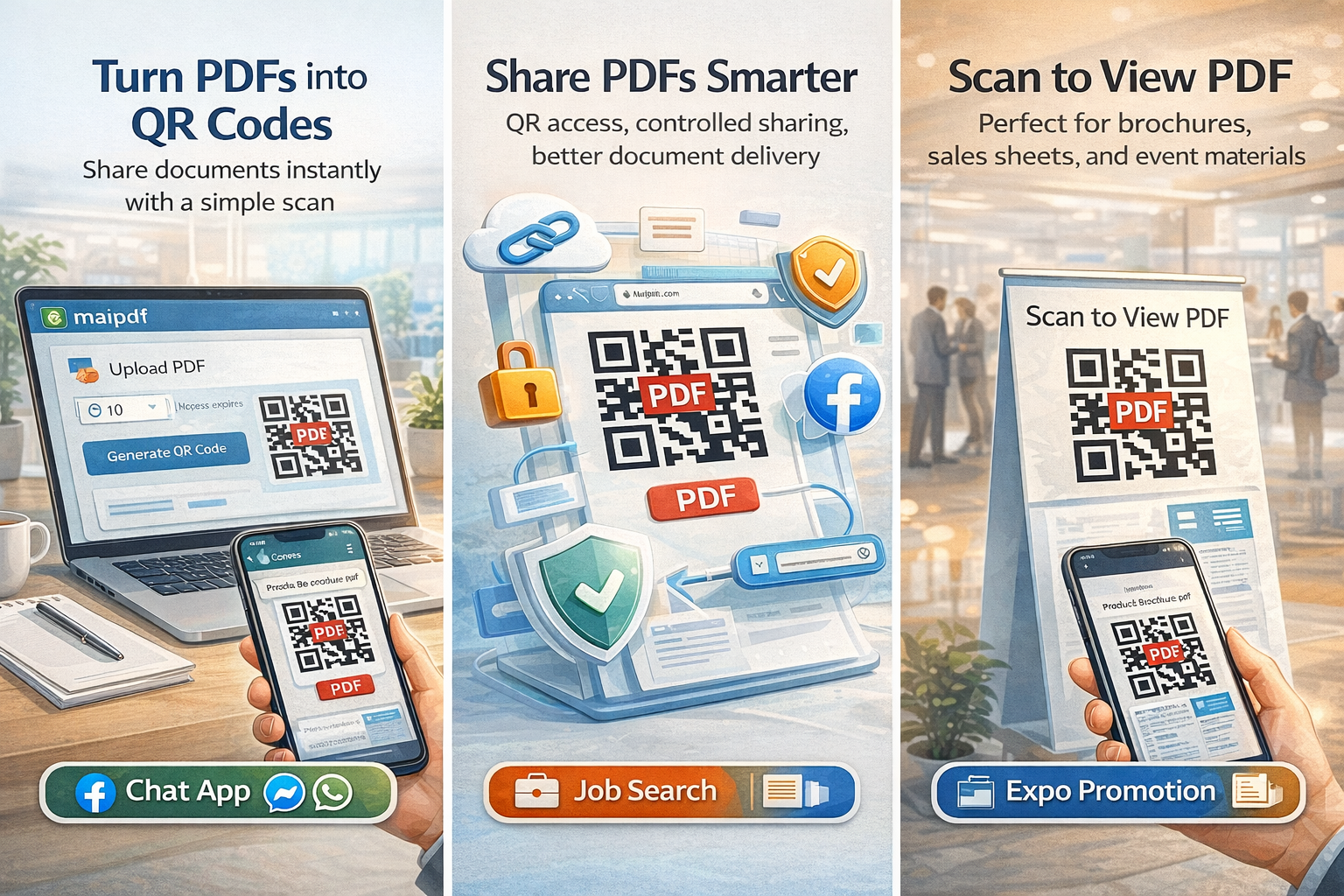
Create one managed link that becomes your distribution anchor.
Set access, expiry, and open limits before broadcasting the link or QR.
Use email, chat, landing pages, or print QR while keeping one control point.
Tighten or extend controls without changing the distributed URL.
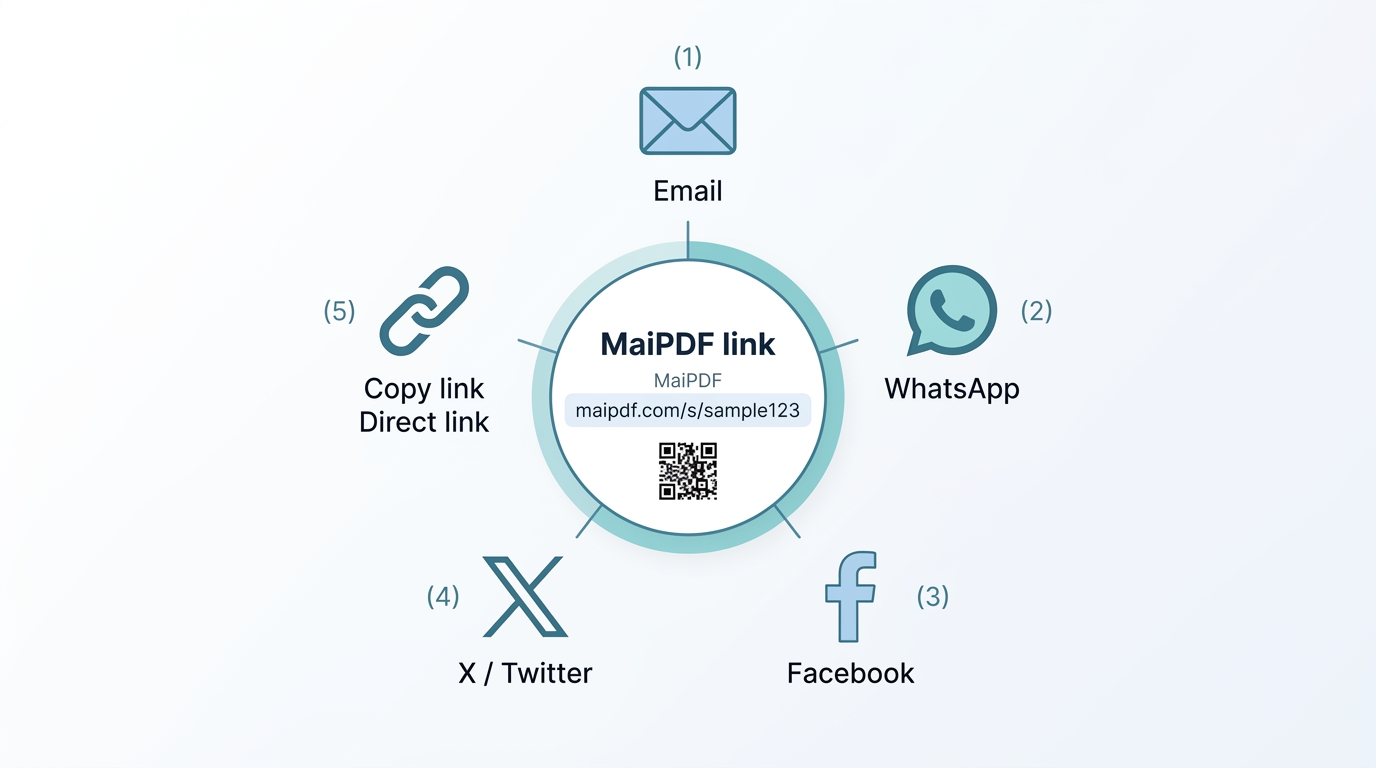
Usually low-friction access, but keep expiry to retire campaign assets cleanly.
Use stricter entry + expiry to prevent old terms from floating indefinitely.
Use moderate controls and monitor opens for follow-up timing.
Use bounded windows so stale policy links close automatically.
If someone captured content before closure, expiration cannot retract that capture.
Use strict profiles only for sensitive documents; avoid unnecessary friction for public materials.