Expiration does not erase past captures
If someone captured content before expiry, those captures remain. Pair with watermarking for accountability.
Teams often mix expiration, self-destruct, open caps, and access gates. They solve different problems: when access ends, how many opens are allowed, and who can enter.
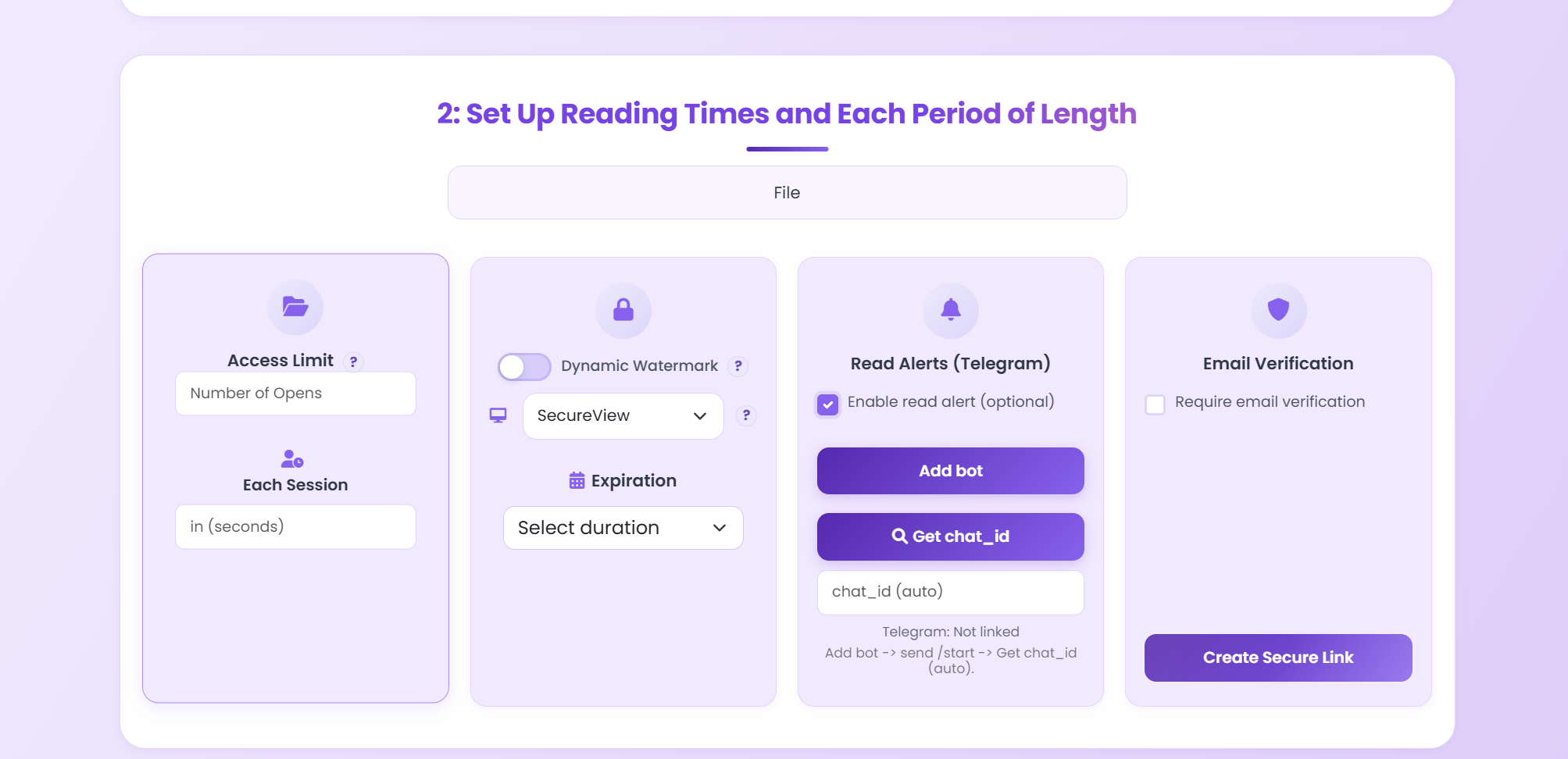
| Control | Trigger | Effect | Typical use |
|---|---|---|---|
| Expiration | Date/time reached | Link stops working | Quotes, bids, campaign docs |
| Open limit | Open count hits N | Link closes after N opens | Sample previews, one-time docs |
| Self-destruct | After first completed read | Single-use access pattern | Very temporary material |
| Access gate | Before each open | Only allowed readers pass | Partner-only and confidential docs |
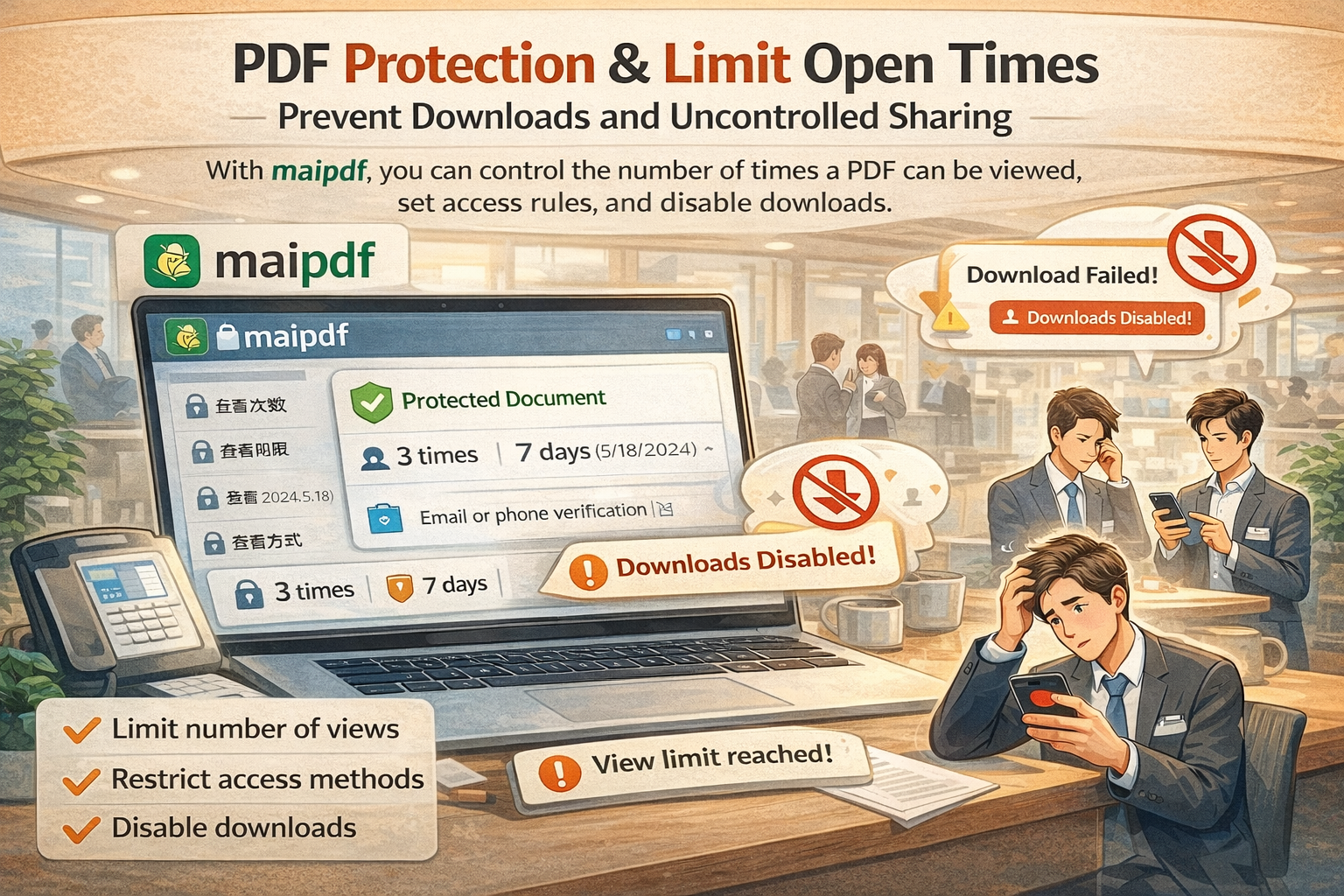
Set expiry to just after review window. Keep the same link while extending only when needed.
Set a 7-day expiry so old pricing does not keep circulating as current.
Use expiry at course end; optional open caps for stricter control.
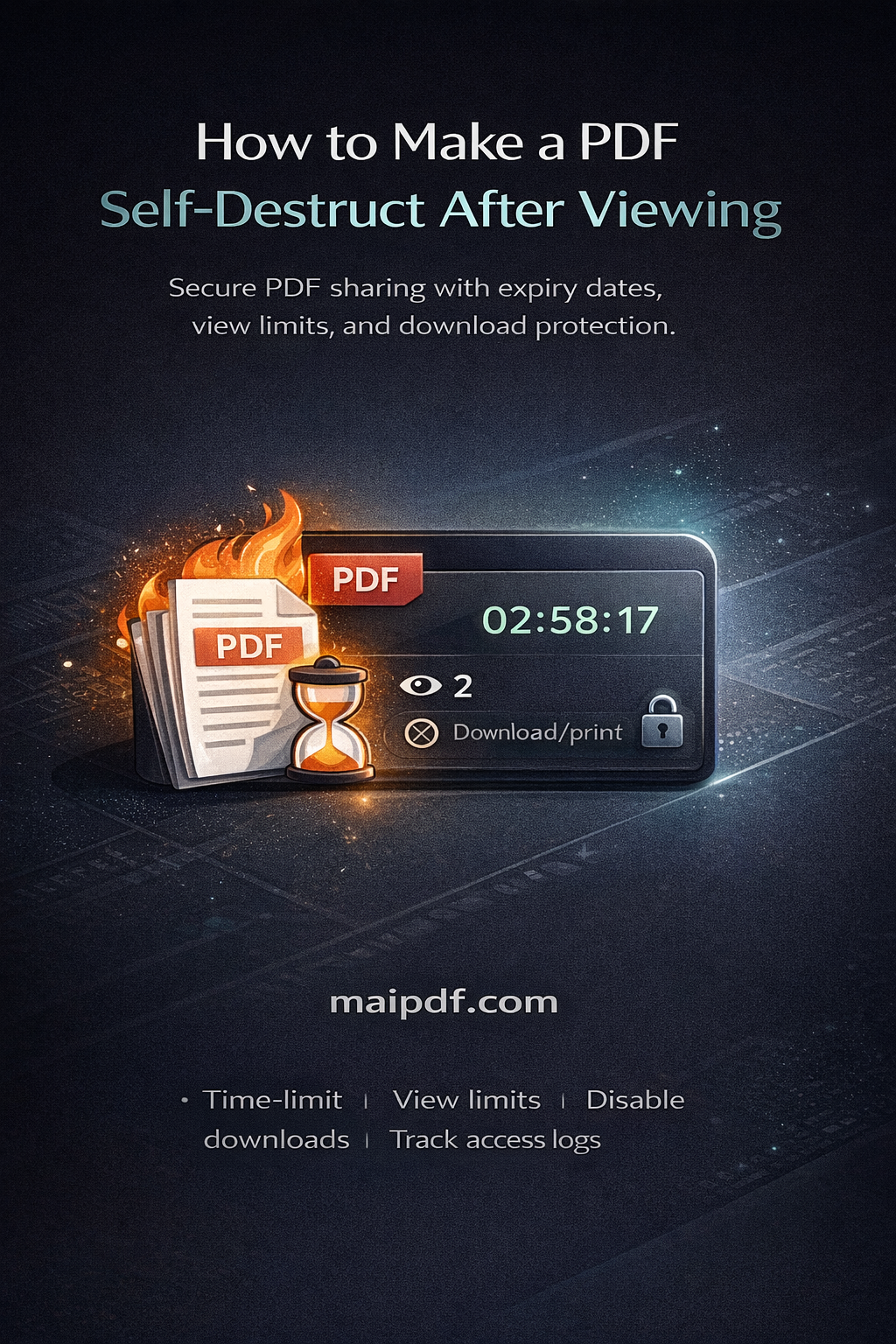
Use self-destruct style behavior for one-time visibility.
If someone captured content before expiry, those captures remain. Pair with watermarking for accountability.
For long-lived manuals, frequent expiry creates support noise. Keep stable links when longevity matters.