Events & booths
One code on the counter replaces stacks of handouts. After the event you can expire or tighten access.
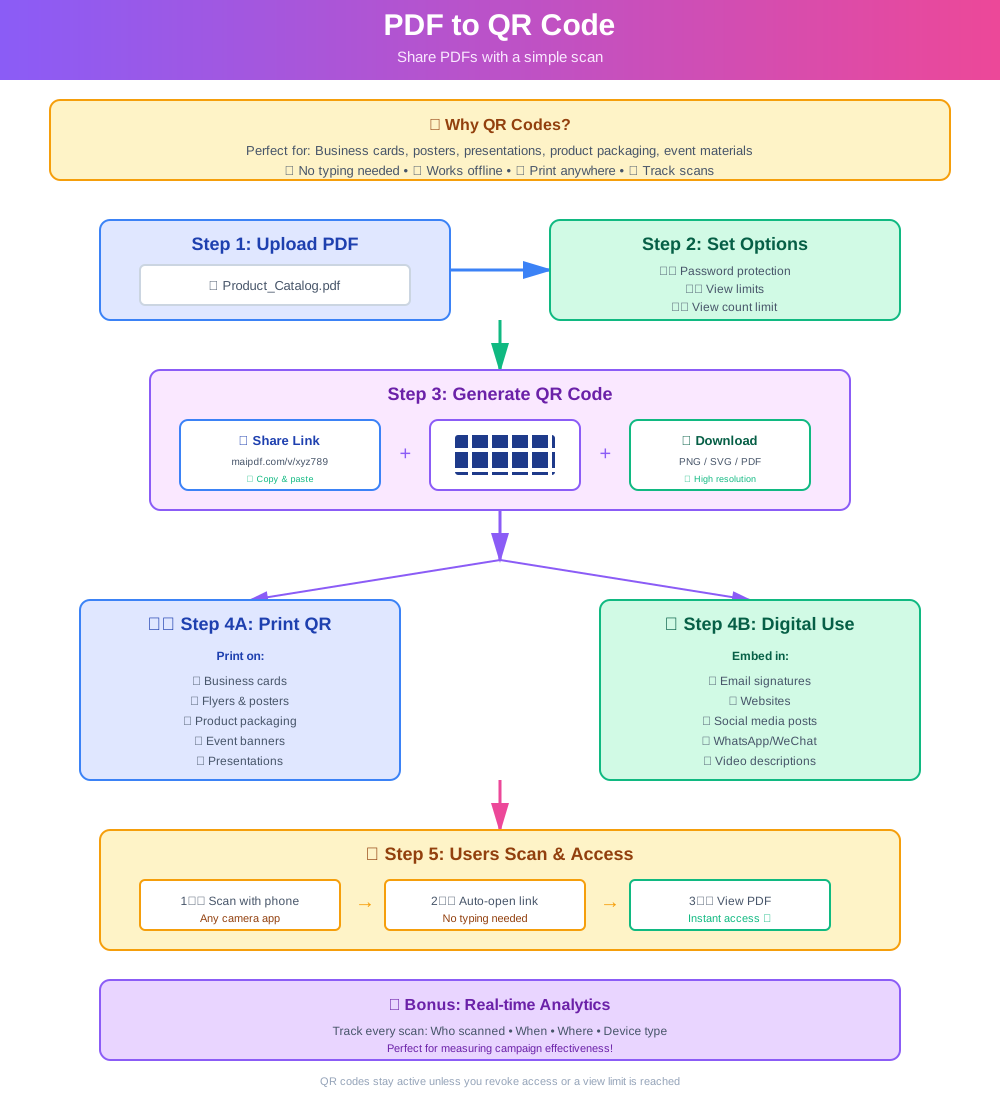
Links are great in chat and email. QR codes are for physical touchpoints—someone scans and opens the PDF in the browser without installing an app or receiving a heavy attachment.
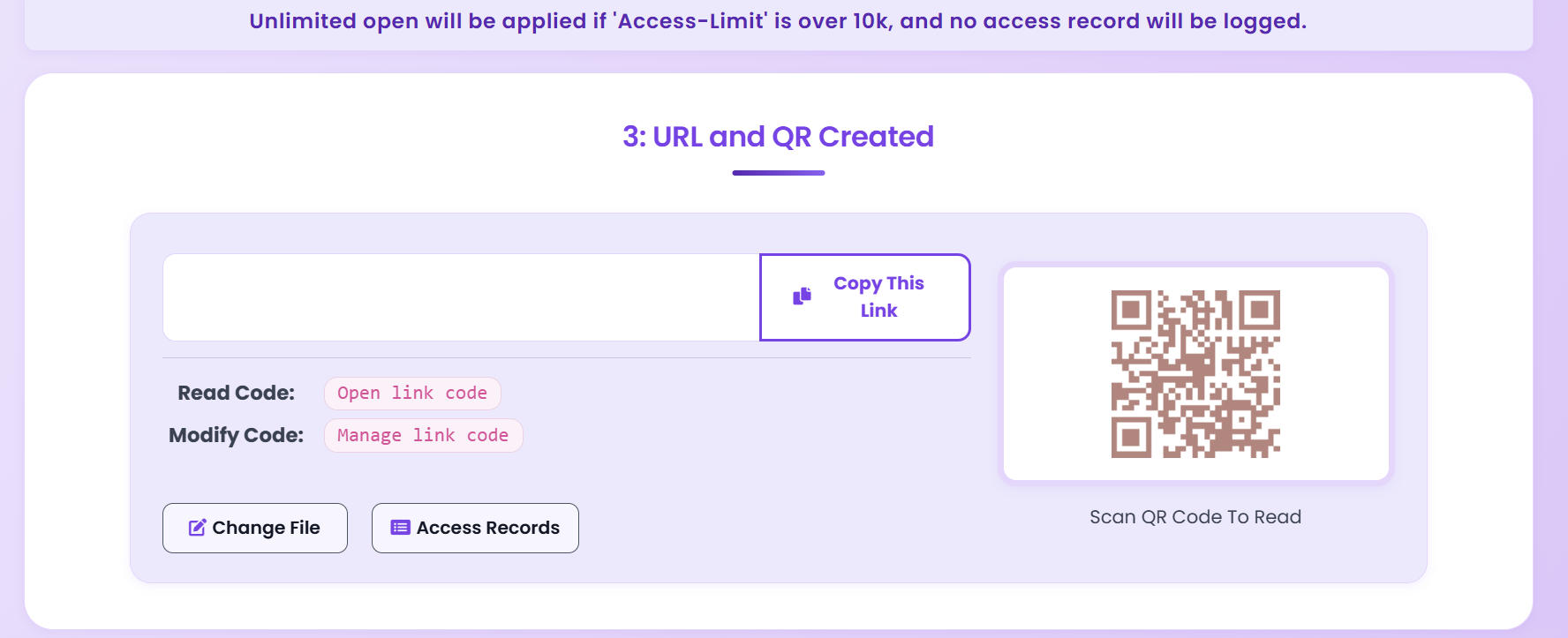
One code on the counter replaces stacks of handouts. After the event you can expire or tighten access.
Keep the poster clean; put detail behind the scan. Update the PDF without reprinting the code.
Menus, price lists, policies—customers scan while waiting. No file transfer friction.
Manuals and compliance PDFs on the box. Refresh content in the portal; the printed code stays valid.
| Surface | Approx. size | Typical distance | Tip |
|---|---|---|---|
| Business card | 2 × 2 cm | 10–15 cm | High contrast, quiet background |
| Flyer / A4 | 3 × 3 cm | 15–25 cm | Keep away from folds |
| Poster / standee | ≥ 5 × 5 cm | 30–80 cm | Place within easy arm reach |
| Wall / large board | ≥ 8 × 8 cm | 50–150 cm | Test with a phone before mass print |
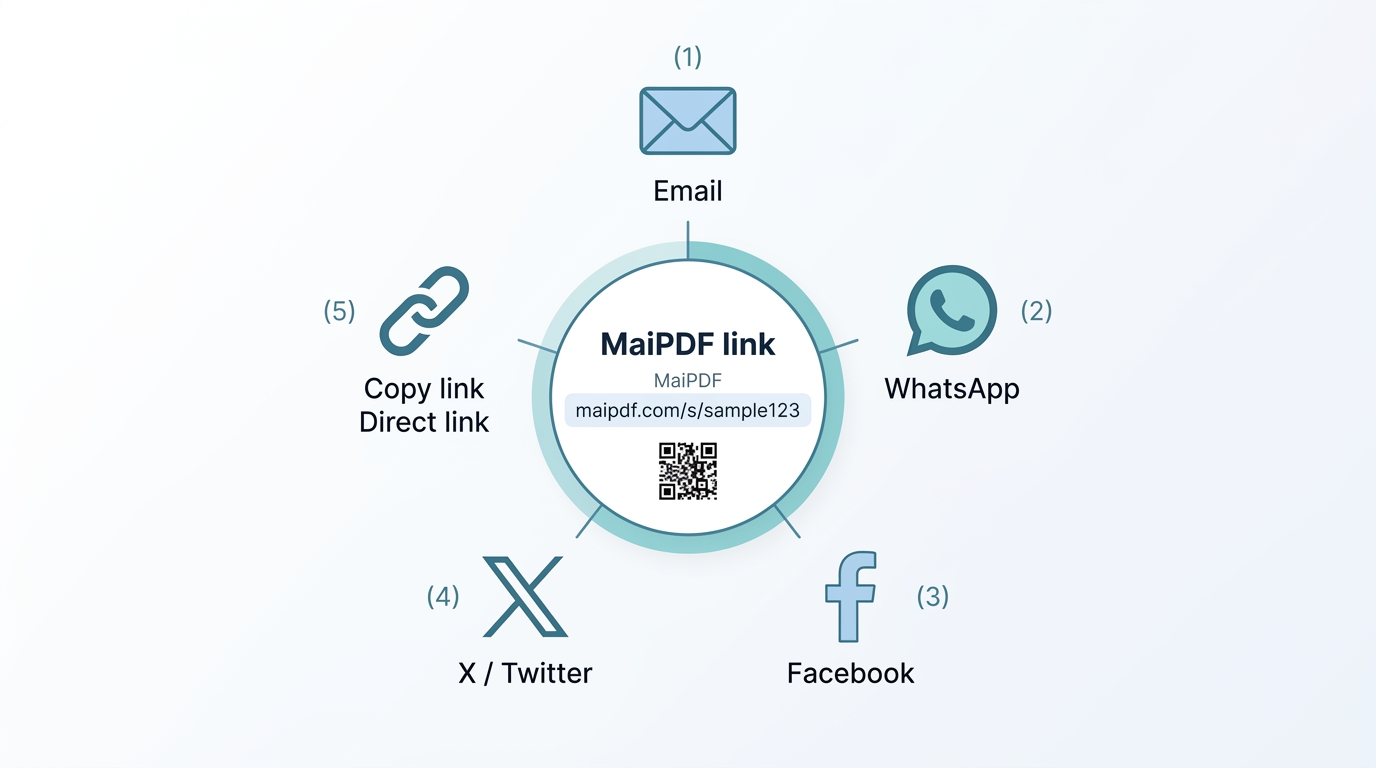
See how often the link behind the code was opened—useful for comparing placements or campaigns.
Use separate links for Store A vs Store B or poster vs packaging to compare performance fairly.
No. Replace the file in the control panel; the URL and QR image stay the same.
By default until you set an expiration or revoke access. Configure that in the sharing step.
Yes—recipients open in the in-app browser. No extra app install is required for viewing.
Access control uses email verification (allowlisted addresses only). Read alerts can go to Telegram on the English flow—see the product page.