Pricing and quotes
High risk of quick text copy. Prioritize no-download, copy friction, and watermarking for leak deterrence.
Select-copy is just one path. Screenshots, camera photos, and manual rewrite are also forms of copying. No tool can fully stop all forms, but you can block the easiest paths and raise misuse cost a lot.

| Copy path | Main control | Reality |
|---|---|---|
| Select-copy text | Viewer restrictions + render strategy | Mostly blocked for normal users in-browser. |
| Screenshot / camera | Dynamic watermarking | Not blocked; deterrence and accountability increase. |
| Manual rewrite | None | Cannot be prevented by technical controls. |
| Download then extract | No download + controlled access | Risk reduced, but no absolute guarantee against advanced methods. |
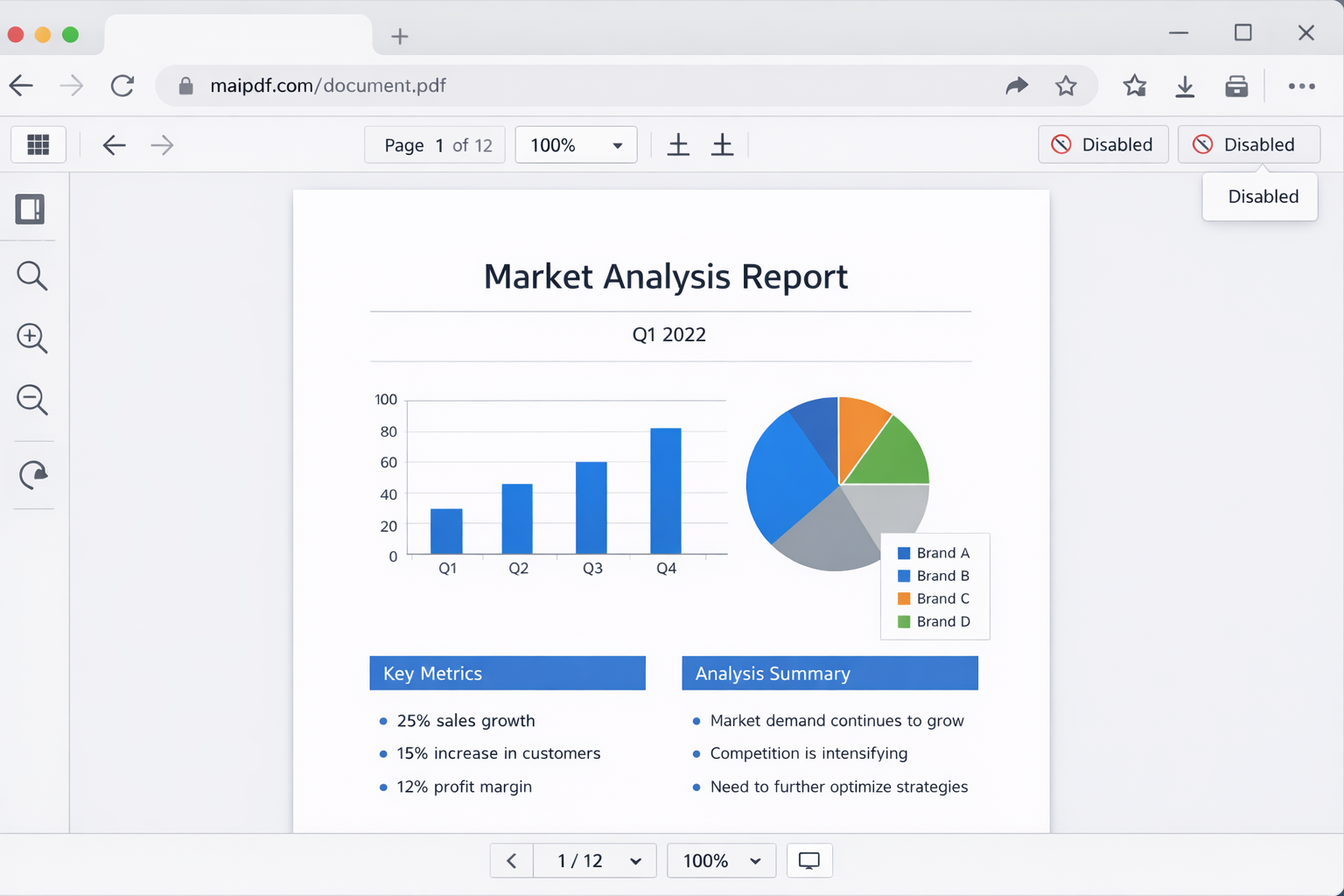
High risk of quick text copy. Prioritize no-download, copy friction, and watermarking for leak deterrence.
Set expiry windows so stale drafts do not stay open forever. Keep printing policy aligned with real signing needs.
Screenshots are common; watermarking helps attribution. Use stricter modes only when sensitivity justifies UX cost.
If the goal is broad adoption, avoid over-restricting. Heavy friction can hurt reading more than it protects value.
Block easy copy paths, reduce file leakage probability, and add visible accountability.
“Absolute anti-copy” does not exist for on-screen content. The goal is risk reduction, not magic.