Quote sent to one buyer team
Prioritize identity gate + expiry + watermarking.
“Stop copying” is too broad. Most leakage comes through four routes: text extraction, screenshots, link forwarding, and long-lived access. Treat each route with a matching control.
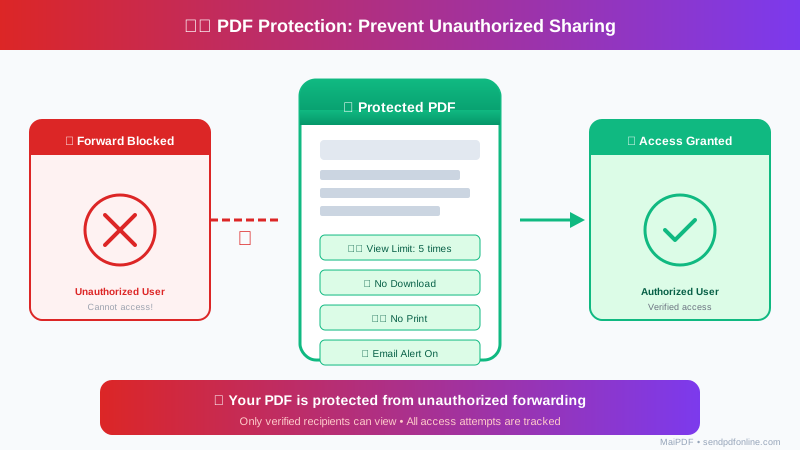
Clauses, prices, and key lines get copied into external docs.
Layer: no-download + no-copy oriented viewer behavior.
Strong against casual copy paths; not a guarantee against determined OCR/manual rewrite.
Content snapshots circulate in chats and side channels.
Layer: dynamic watermarking (plus optional stricter reading mode).
Deters casual forwarding and improves trace context; does not physically block screenshots.
A valid URL gets passed to people outside the target group.
Layer: access gate and identity checks.
Raw URL forwarding alone is no longer enough when identity checks are required.
Outdated materials stay viewable long after relevance ends.
Layer: expiry + open caps.
Time-box visibility and reduce long-tail leakage window.
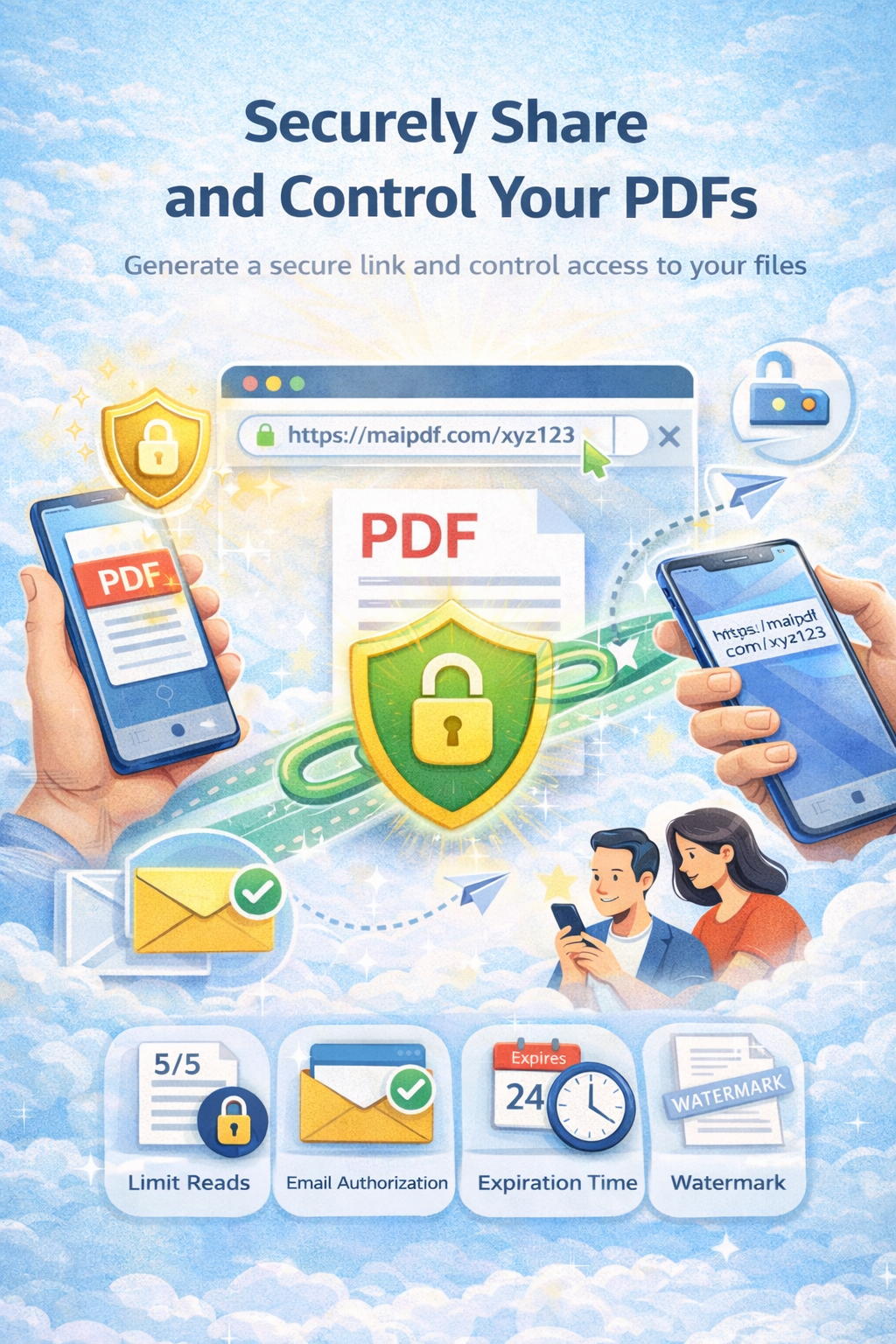
Prioritize identity gate + expiry + watermarking.
Prioritize no-download + watermarking; keep friction moderate.
Prioritize short expiry + gated access + review visibility.
Keep control light; too much friction hurts distribution goals.
Visible content can still be captured or rewritten. Controls reduce risk and convenience, they do not erase possibility.
Over-applying strict controls can reduce reader completion. Calibrate by sensitivity and business goal.