Sales & fundraising
A ping when the prospect opens the deck, so you can follow up while it is fresh.
Dashboards are great for deep dives; Telegram is for fast pings—“someone just opened this deck.” Read reminders sit alongside expiry and other controls in maipdf2026.
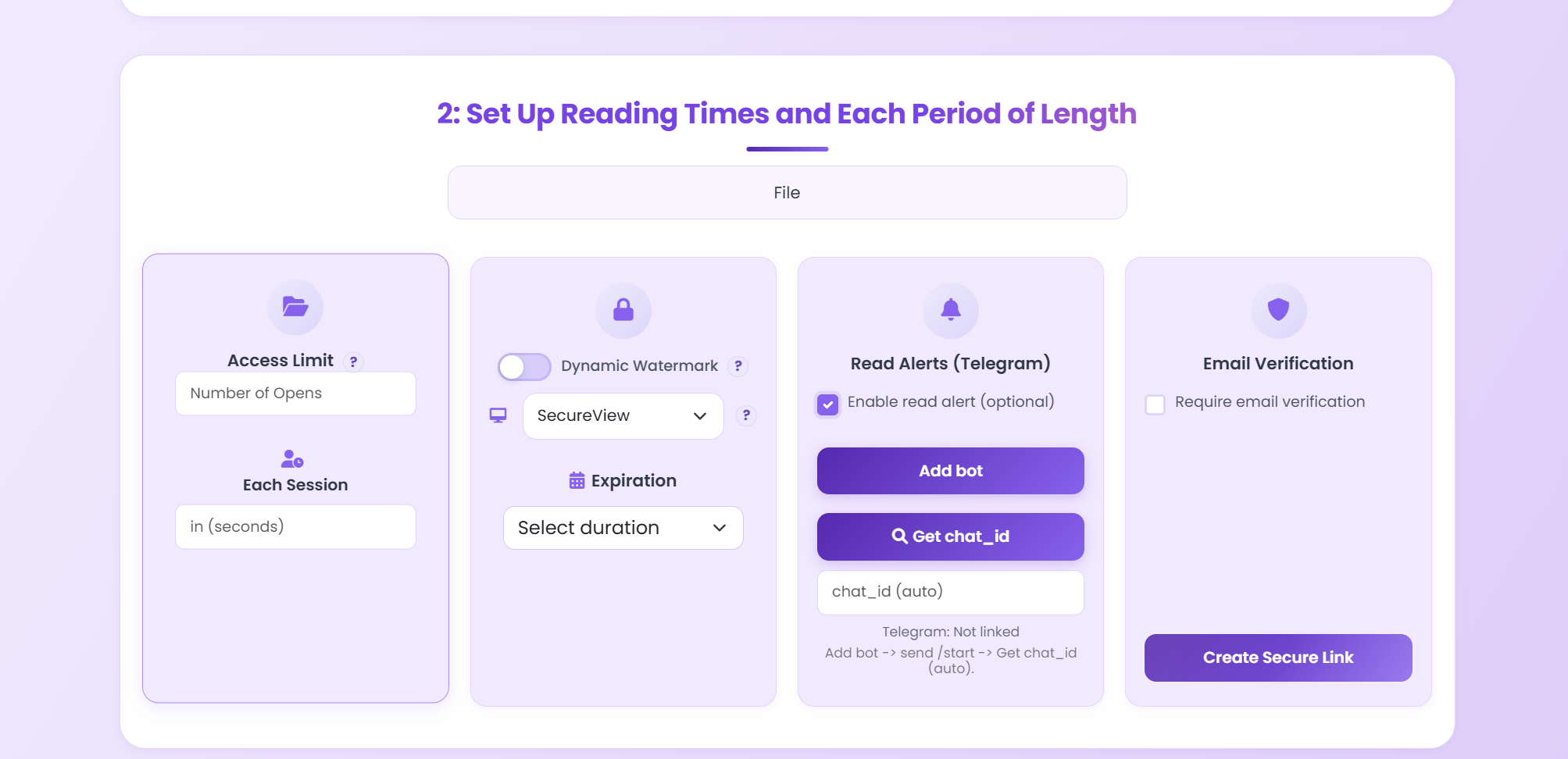
In maipdf2026, you can add Telegram directly inside Security settings for the link.
A ping when the prospect opens the deck, so you can follow up while it is fresh.
Confirm a policy PDF was opened without living in the dashboard all day.
Expiry, download restrictions, and access rules still apply; alerts only flag opens.
Recipients open the PDF in the browser as usual. Telegram is only for owner-side notifications.
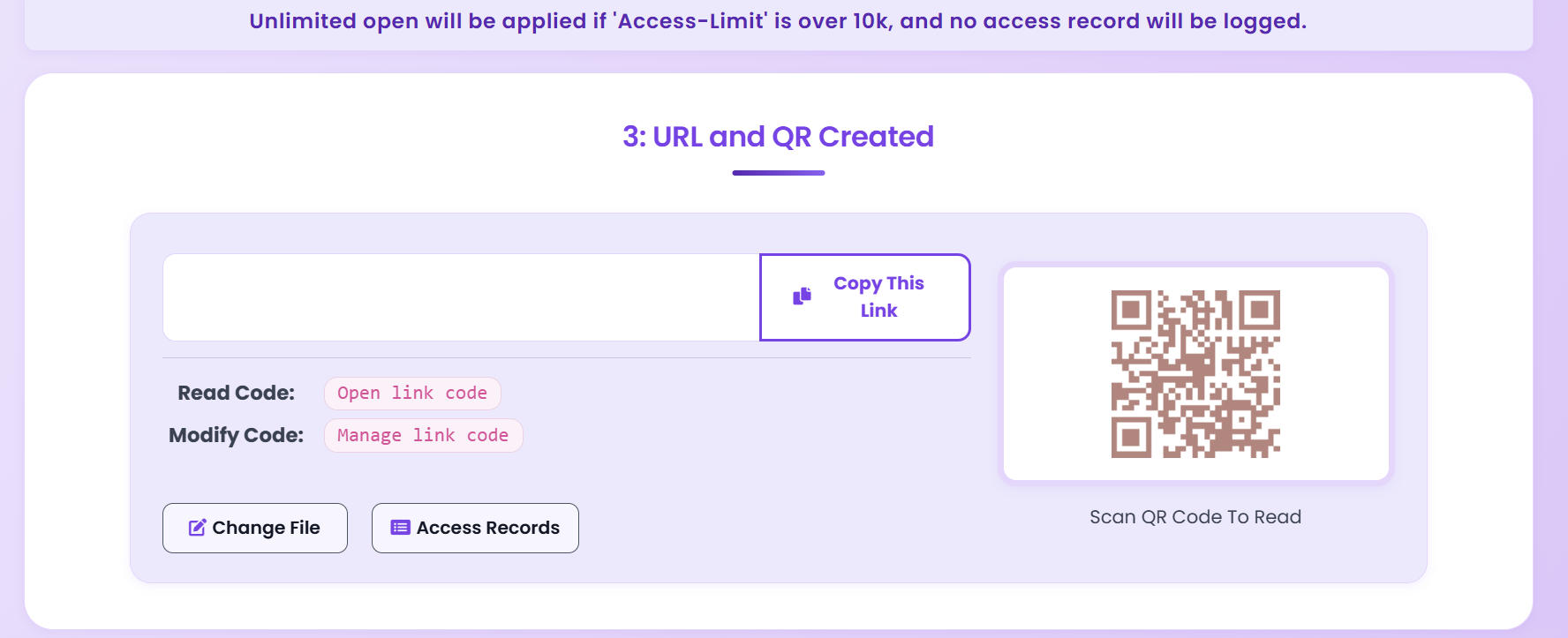
Use alerts as quick signals; use in-app access records when you need more detail.
You connect the bot or chat in product settings. Readers are unaffected.