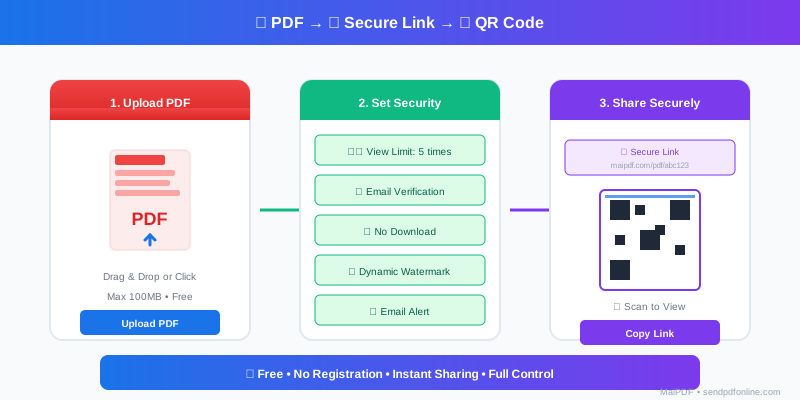
Attachments hit limits
Corporate inboxes cap size; mobile users dislike large downloads. You also lose the ability to update one canonical file.
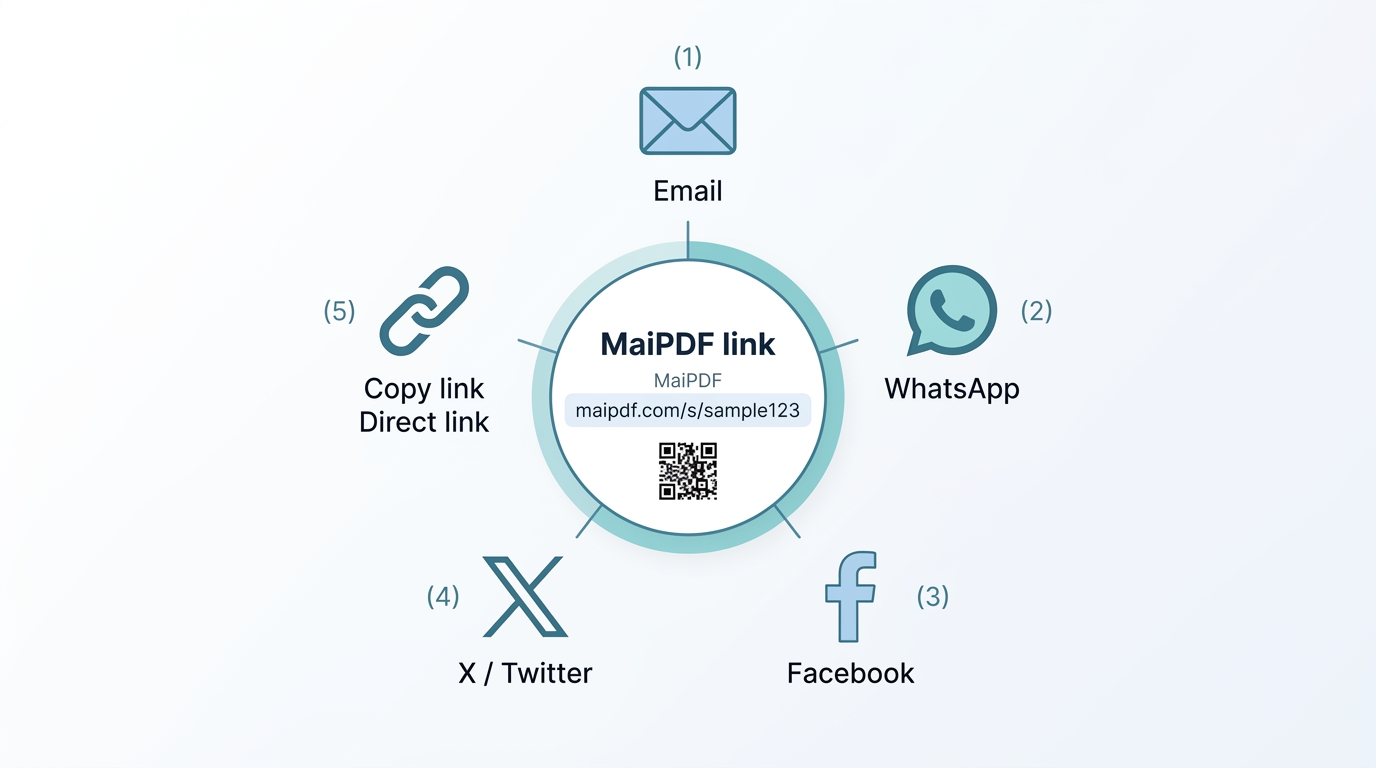
Generating the link is step one. Email, chat, and your website each change how people discover and trust the click. This page is the channel playbook; for the “why a link at all” story, see PDF to link, not attachment.
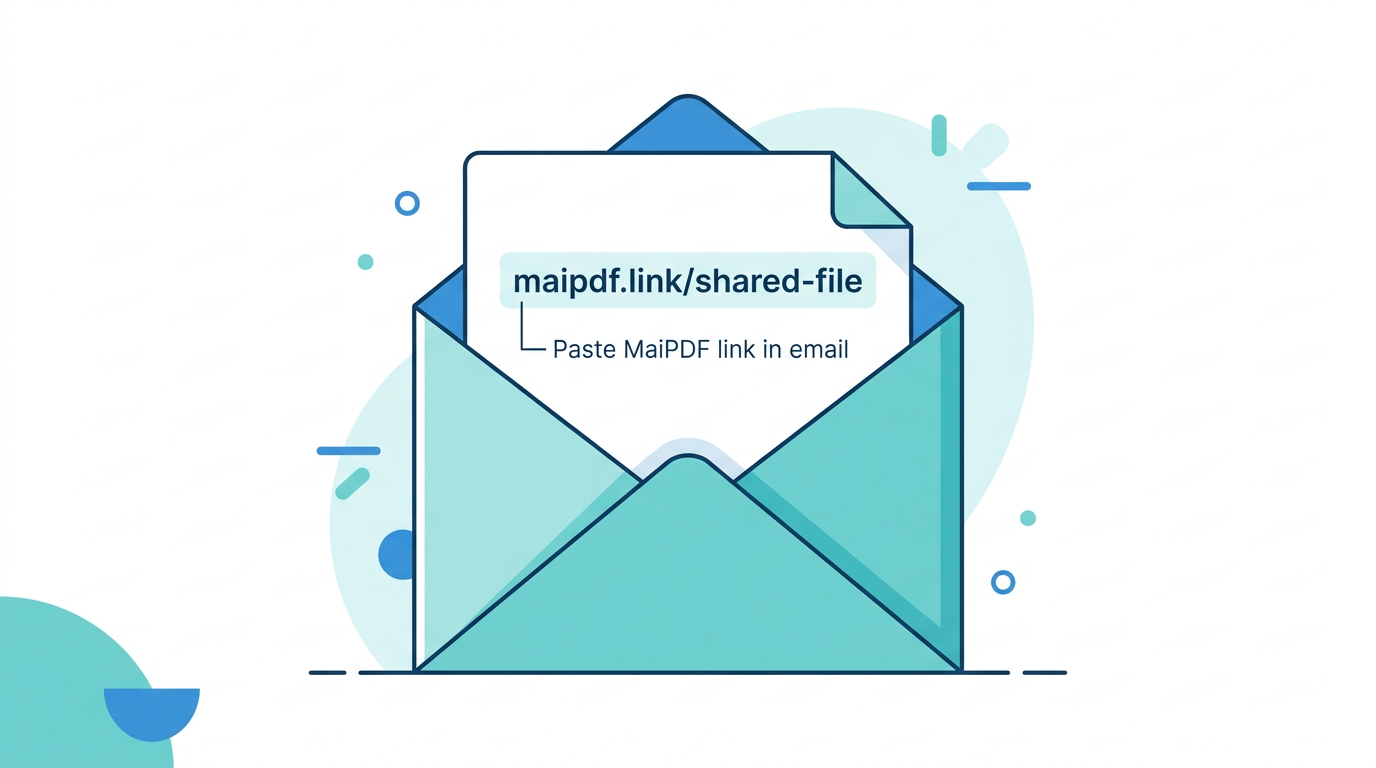
Corporate inboxes cap size; mobile users dislike large downloads. You also lose the ability to update one canonical file.
Readers open in the browser, you keep control, and you can align with email verification or access codes when needed.
How: Paste the URL in the body (optionally behind clear anchor text like “Open the briefing”).
Why it works: No attachment quota burn; less aggressive filtering than multi‑MB files.
Watch-outs: For sensitive decks, pair the link with an access code in the same thread, or use allowlisted email verification (English product uses email, not SMS).
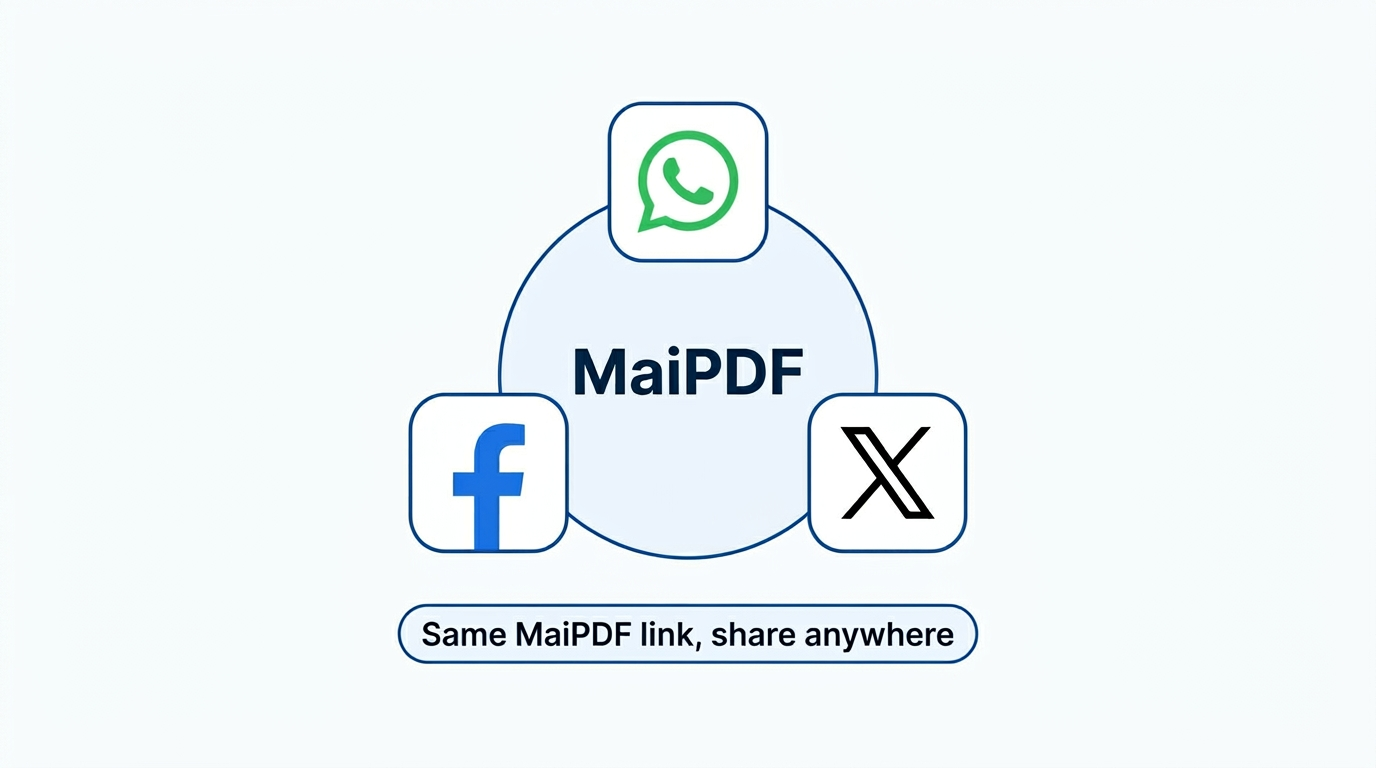
How: Drop the link in the thread; most apps render a tappable preview.
Why it works: Opens in the in-app browser on phones without extra installs.
Watch-outs: Group channels expose the URL to everyone in the room—tighten with a code or verification if it is not public material.
How: Use a button (“View datasheet”) that points to your MaiPDF link.
Why it works: Visitors read without a PDF plugin; you can refresh the file without editing the site if the URL stays the same.
Watch-outs: High traffic means more opens in analytics; keep verification off for frictionless marketing PDFs unless you need leads.
Beyond pure digital channels, the same link powers QR on posters, booths, and counter cards—see offline QR. Quick matrix:
| Pattern | Handoff | Verification hint | Update cadence |
|---|---|---|---|
| Team / customer chat | URL | Often none | Medium |
| Poster / event | QR | Usually none | High |
| Partner email | URL | Code or email gate | Low |
| Storefront menu or price list | QR | Avoid heavy gates | High |
Only if you set an expiry. Otherwise it stays available until you disable or replace the underlying file.
Not for a public link. If you enable verification, they complete that step first—on the English product, that is email OTP to allowed addresses, not SMS.
Yes. Use separate links only when you truly need per-channel analytics; more links mean more updates when content changes.
No—swap the file in the control panel; existing bookmarks keep working. See replace PDF, same link.