Good fit
Quotes, drafts, portfolio previews, internal notes where “read yes, file transfer no” is the goal.
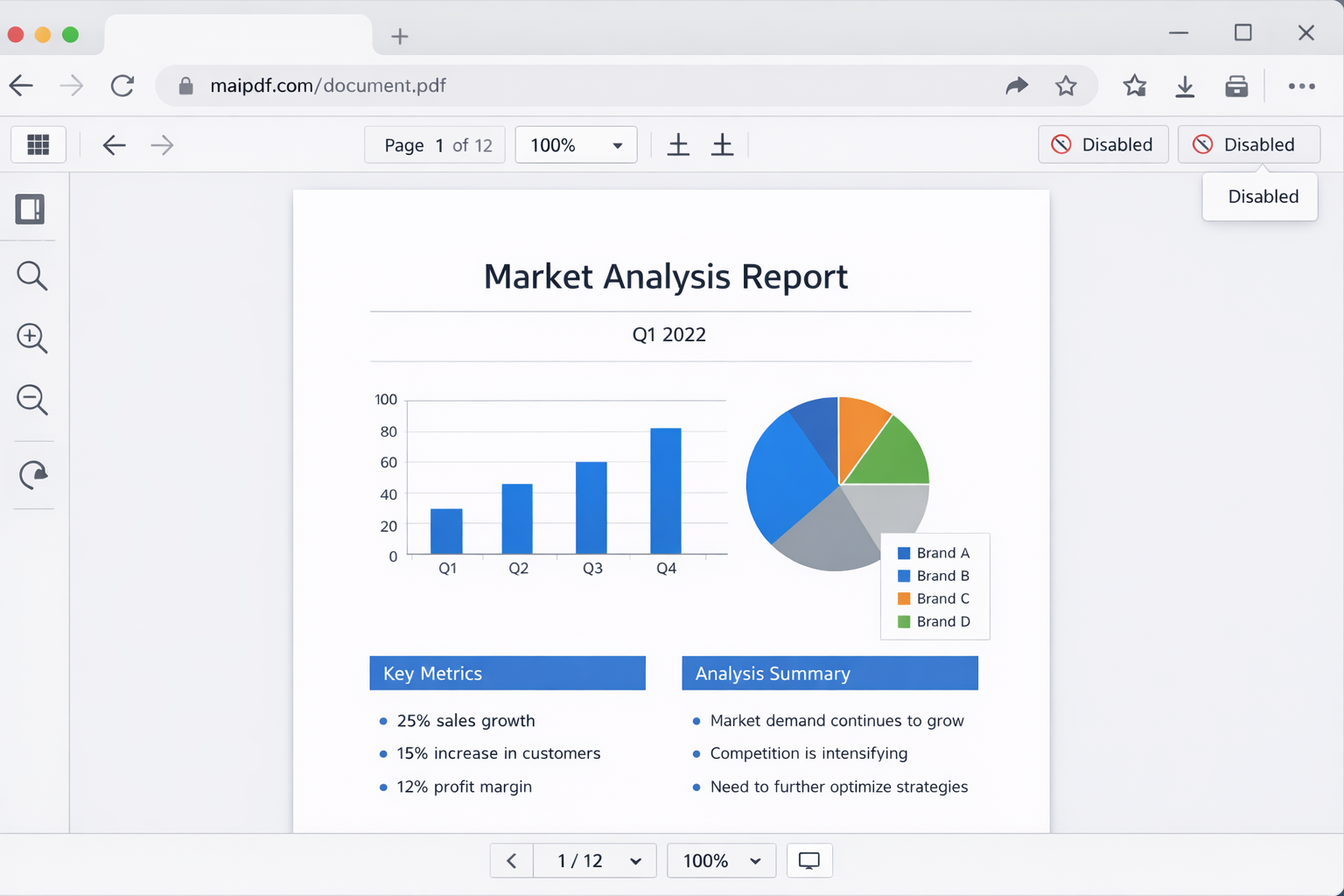
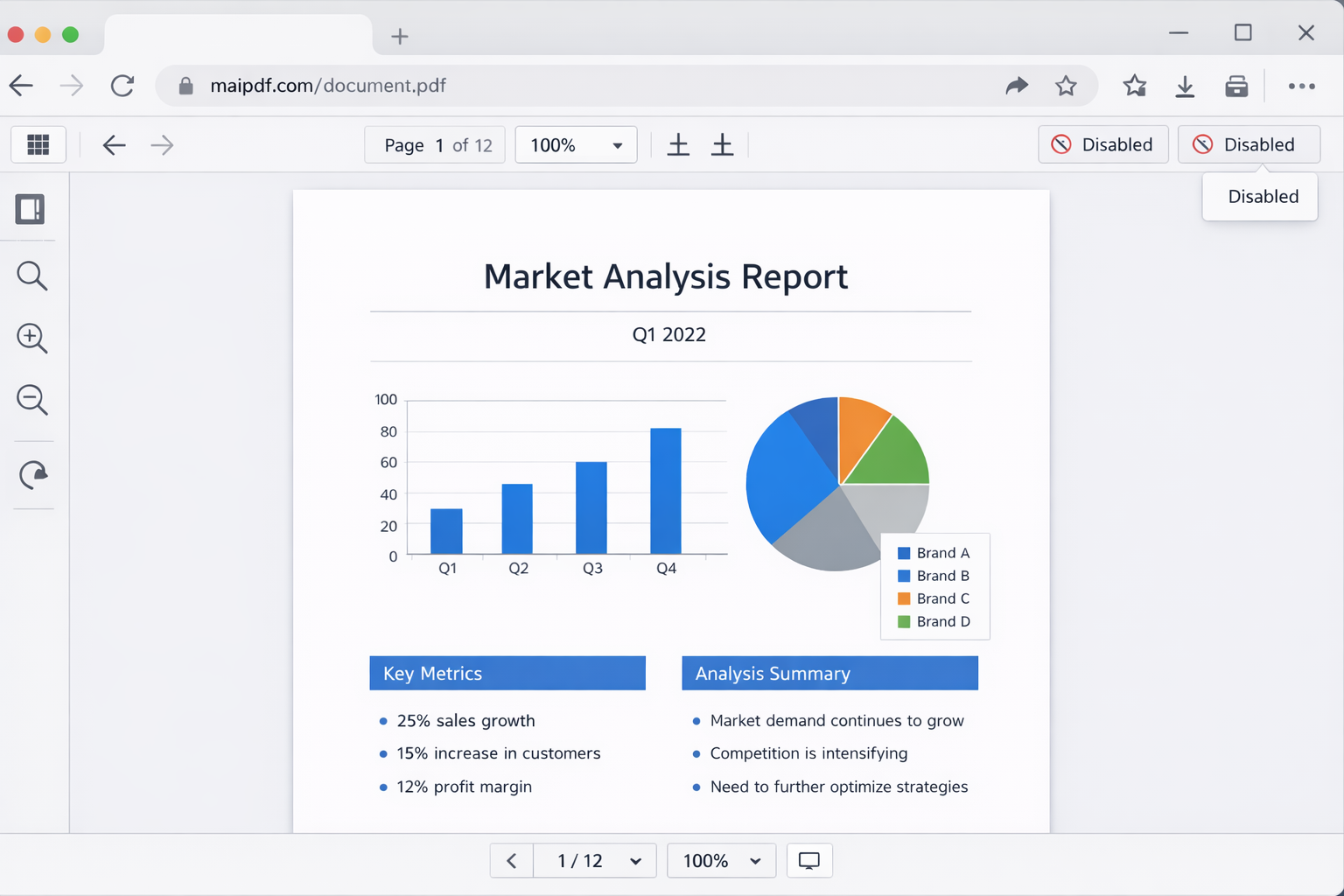
Viewer restrictions remove easy extraction paths for normal users: no download button, no plain text copy flow, and restricted print behavior. Strong in daily business use, but not an absolute technical lock.
| Action | Desktop browser | Mobile/in-app browser |
|---|---|---|
| Download | No direct save button | No direct save entry in normal flow |
| Text copy | Select-copy is restricted | Long-press copy behavior is limited |
| Can be blocked per setting | Often no easy print path anyway | |
| Screenshot | Still possible | Still possible |
Quotes, drafts, portfolio previews, internal notes where “read yes, file transfer no” is the goal.
Workflows that require recipients to print/sign/upload an annotated file copy.
Advanced users may still attempt technical workarounds. The goal is to raise effort and reduce common misuse.
For sensitive files, pair restrictions with watermarking, access gating, and expiry to reduce both leakage and lifetime exposure.