Link vs “cloud share”
Cloud share stresses storage; “PDF to link” stresses the URL as the handoff. Same workflow, different wording.
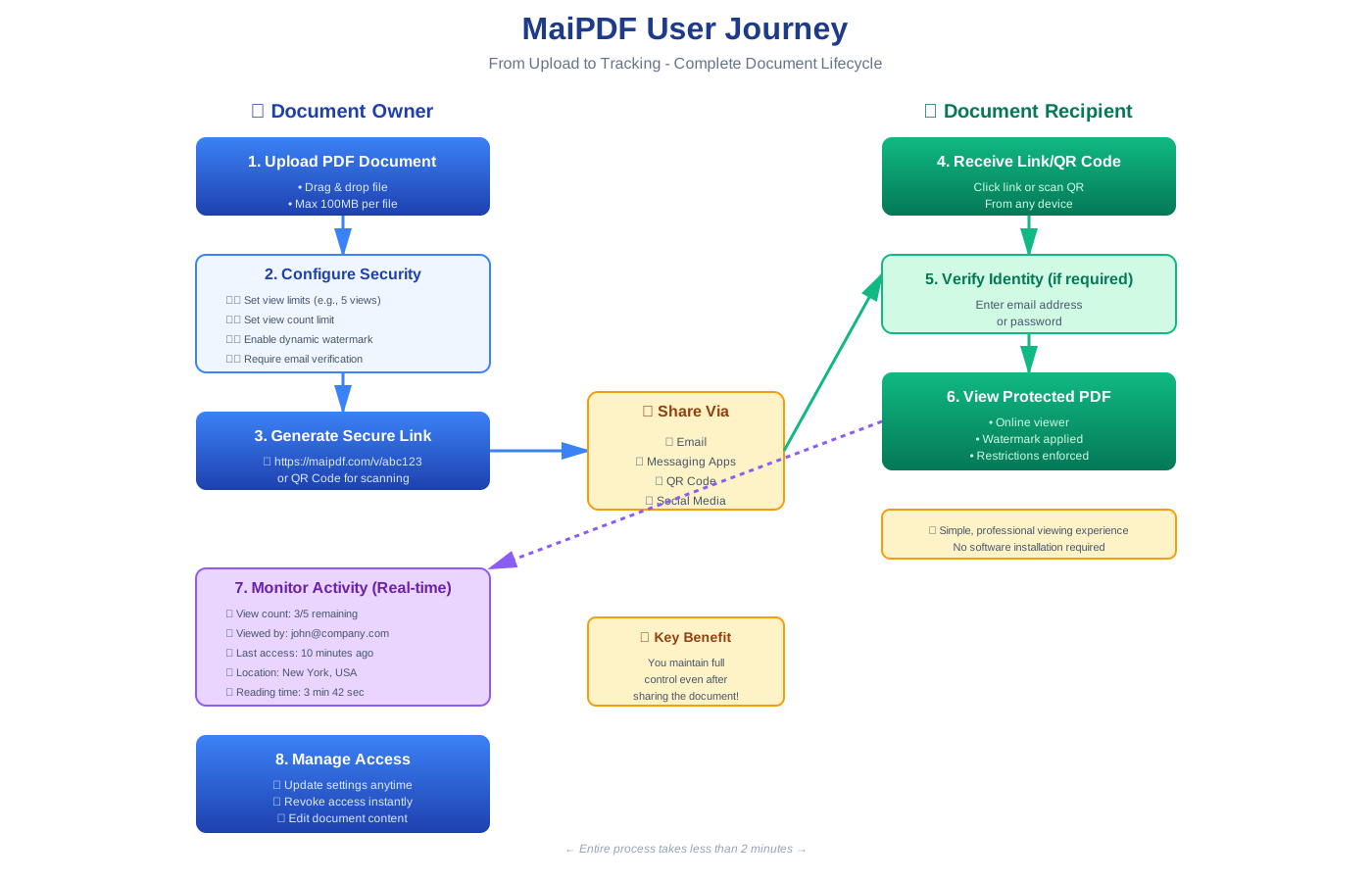
An attachment is a copy—it leaves your control the moment it is delivered. A link is an entrance to a file you still host, so you choose who reads, for how long, and when to swap the document.
The file lives on their device. Forwarding, local copies, and outdated versions are hard to undo. Updates mean re-sending to everyone.
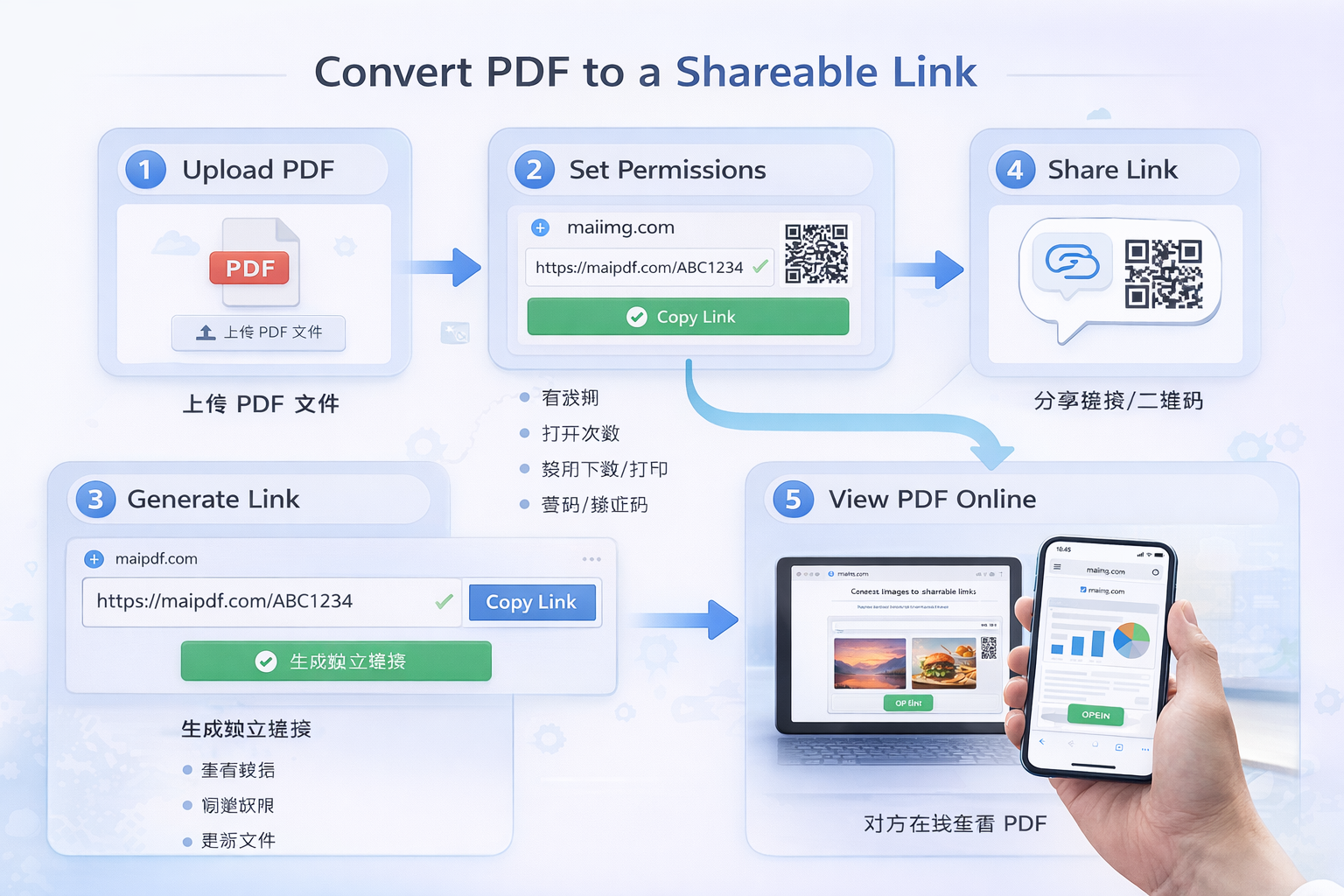
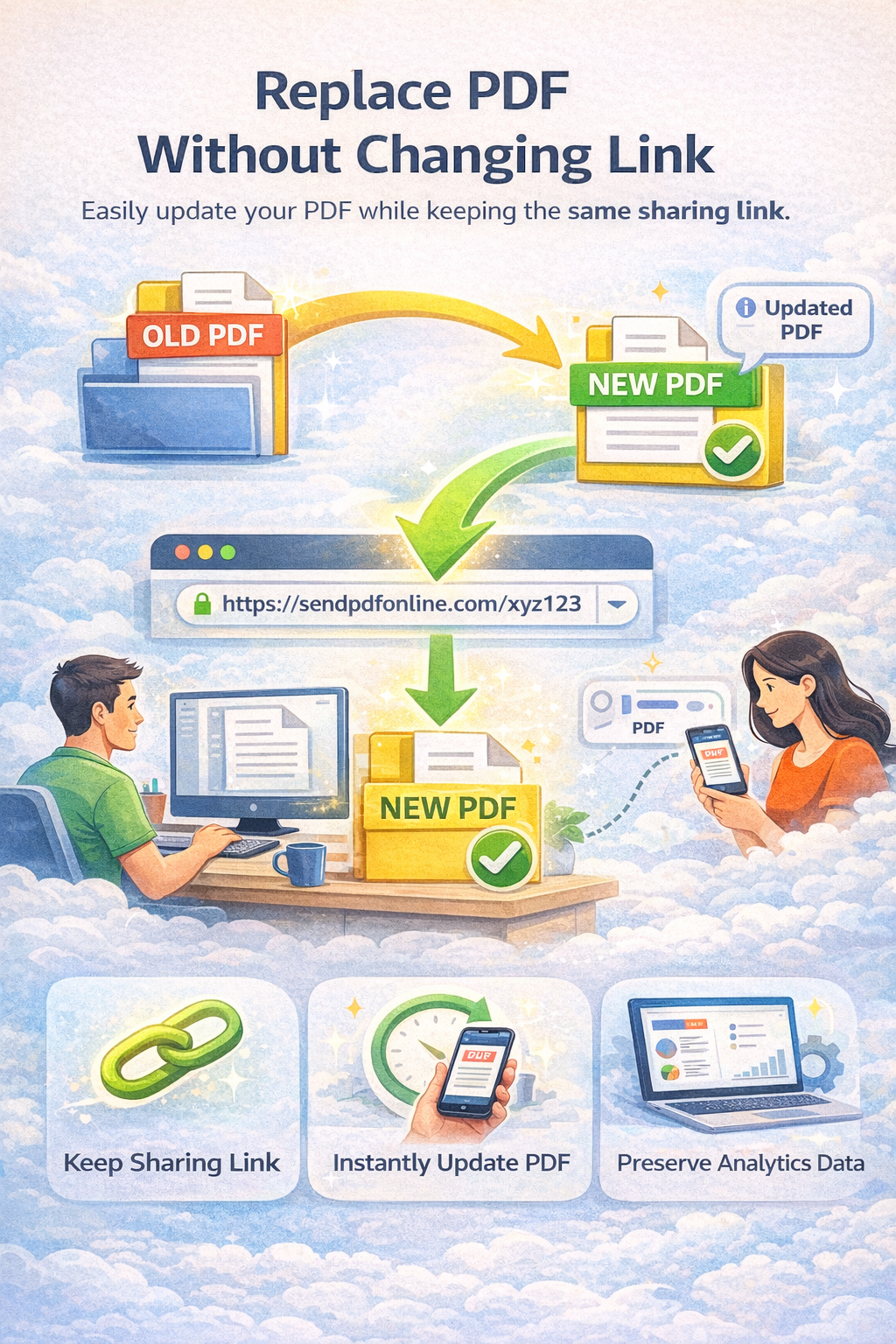
The file stays behind your link. You can replace content without changing the URL, add expiry, and review opens—readers stay in the browser.
Cloud share stresses storage; “PDF to link” stresses the URL as the handoff. Same workflow, different wording.
“To link” is what you do; “online viewing” is what they experience when they click.
A QR code is just the link in scannable form—ideal for posters and counters. See offline QR guide.
A bare link can be public. Security is the layer you add: expiry, verification, download limits, and so on.